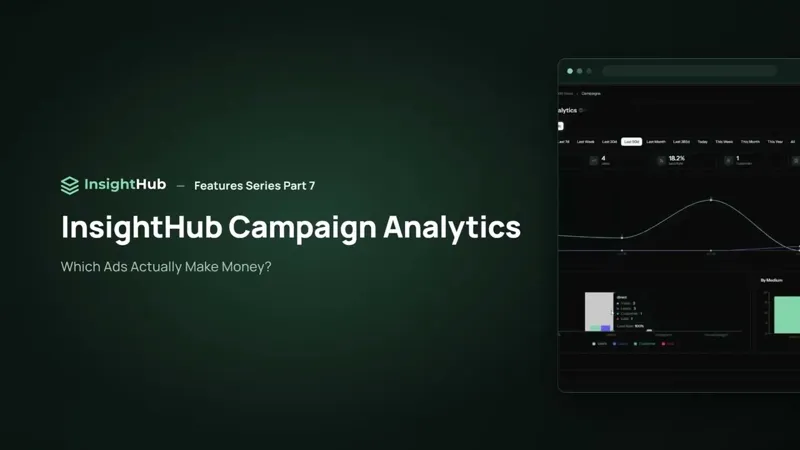
In your shop's back end you see orders. What you rarely see there: who is behind several orders, how much one person has spent with you in total — and which marketing effort brought them to you in the first place.
Every buyer, one record
Everyone who buys in your connected webshop appears automatically in the Customers overview. Open a customer and, next to the contact details, three numbers sit right at the top:
- total revenue
- number of orders
- how long they've been buying from you
Filter the list by buyers (at least one order) and contacts (no order yet, e.g. from the helpdesk or added by hand). When a contact later buys, the shop sync completes the same record — one person, one record.
Attribution: which campaign made the sale?
The most important part of the customer page is attribution. If a customer came in through a campaign — an ad, a newsletter link, a promotion — InsightHub shows exactly which one:
- UTM source, campaign and medium
- the landing page where the visit started
- the date of the visit
So you know which effort brought this buyer in — per person, not just as a total in your ad account.
Order history, live from the shop
Below that is the full order history: order number, date, status and total. It is loaded live from your shop and not stored in InsightHub — shop data stays shop data. Your own details, such as extra email addresses, phone numbers, company or notes, you maintain directly in InsightHub; they are not written back to the shop.
What you use it for
- recognising returning customers before support replies
- judging campaigns by the revenue their customers bring over time, not just by the first order
- addressing the right people with your next newsletter
The totals across all campaigns are in campaign analytics; the individual person is in the Customers overview.